Objectives
The tasks you actually do today, planned or unplanned.
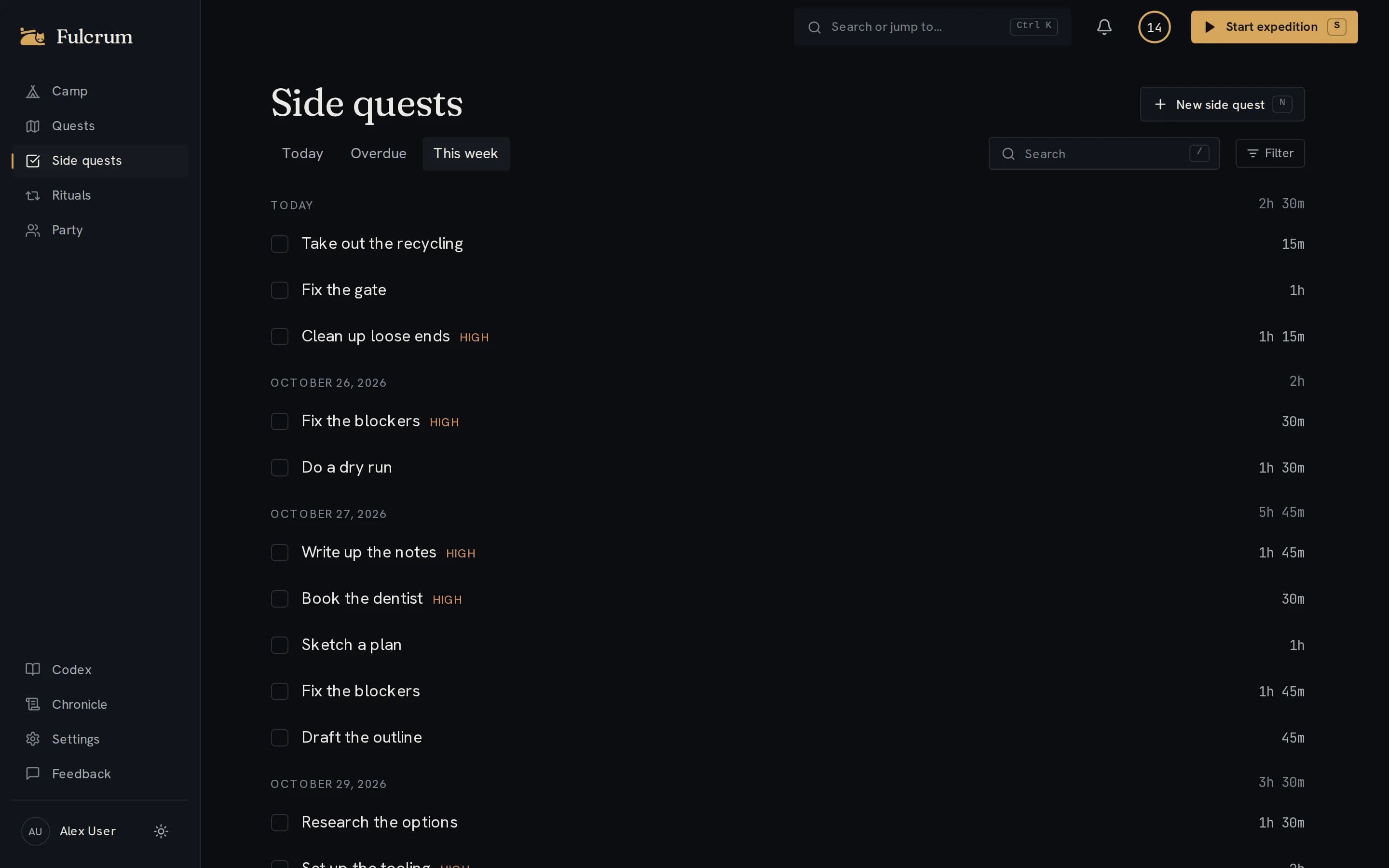
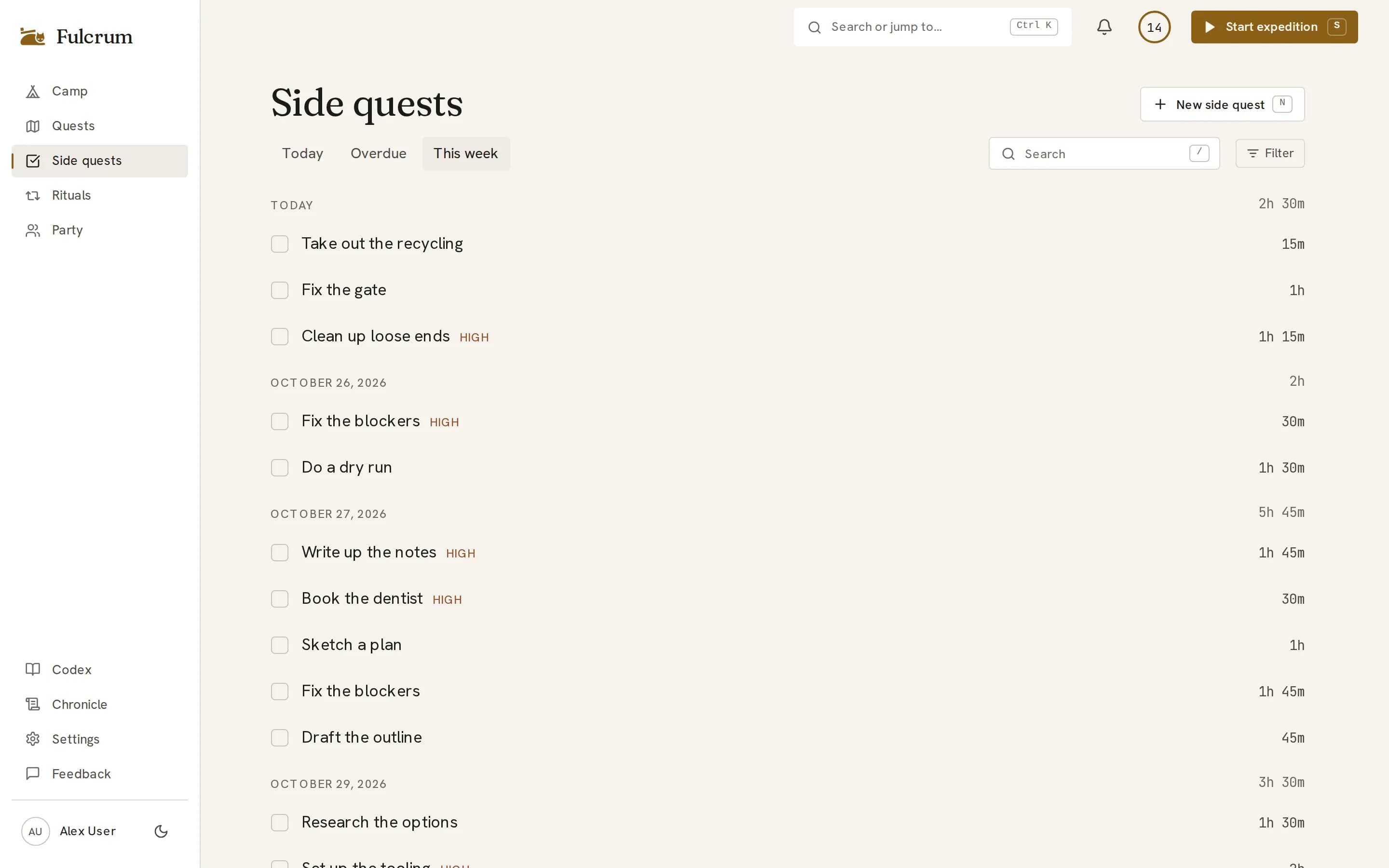
Objectives are the actual work: a task with an estimate, usually scheduled for a day. They can belong to a quest, or stand on their own.
Planned and wild
- Planned — planned ahead. You decided to do it.
- Wild — something that came up during the day. Log it anyway: the Codex shows how much of your time went to planned work versus wild work, and a high wild share is usually where your day leaks.
Estimates and efficiency
Every objective has an estimated duration. When you complete it, the time you actually spent (from your expeditions, or entered by hand) is compared with the estimate. That gives an efficiency score: estimate ÷ actual time. Finishing a 30-minute task in 30 minutes is 100%; taking an hour is 50%.
Beating your estimate pays up to 1.5x the base XP; finishing late never pays less than the base. An objective ticked within 5 minutes of being made gets no efficiency bonus. The goal isn't speed — it's estimates you can trust.
Priority
High, medium or low. It orders your list, and high-priority objectives pay more XP (1.5× medium; low pays 0.75×).
Repeating objectives
Some things come back on a schedule but aren't habits: rent on the 1st, a bill every quarter, the bins every Tuesday. Set Repeats when you add the objective, or later in its details. It can repeat every day, week, month or year, or every few of them. A repeat can end on a date, after a number of times, or with its quest's deadline; inside a quest, every copy still to come counts toward it.
- The day you schedule it is the first due day. Each next one shows up on your list up to three days before it's due.
- An unfinished one stays overdue until you do it, and the next one still arrives on time. Nothing breaks: there is no streak, just normal XP for each one you complete.
- Monthly on the 31st lands on the last day of shorter months, then goes back to the 31st.
- Skip this one cancels one without touching the rest. When you edit a title, priority or the time it needs, choose Save this one or Save this and next ones.
- Choose Doesn't repeat to stop it. The ones you already did stay; open ones after it are removed.
- Deleting a repeating objective removes only that day. To end it, choose Delete and stop repeating: the ones you did stay, and no more come.
- With notifications on, you get a morning summary on the day one is due, at the time you choose in Settings → Notifications.
If you want a daily habit with a streak, make it a ritual instead.
Reminders
Find the reminder choices in the Remind me block when you add an objective, or in its details: in an hour, this evening, tonight, tomorrow morning, or any time you pick. The row shows a bell and the time.
- A reminder you set arrives even in your quiet hours and on a rest day. Fulcrum warns you when you pick a time in your quiet hours. It doesn't count toward your daily limit, but it waits while you're in a focus session.
- On Android and on a computer, the notification has buttons: Done, Snooze 10 min and Snooze 1 hour. On iPhone, tap the notification and the same choices appear at the top of the app.
- A repeating objective takes a time of day instead, and reminds you at that time on each due day.
- Ritual cues can be snoozed too, three times a day. The one after the third says it's the last reminder for today.
Working through the list
You can still tick an unfinished objective from the last 2 days in Camp's catch-up review.
- Search by name. Filter groups the list by day, quest or priority, narrows it by status, priority or kind, and holds the sort. It shows a count when filters are on, and each section has its own Clear.
- Select several objectives (X on a row, or the checkboxes) to complete, cancel, reschedule (today, tomorrow, next Monday), move to another quest or change priority in one go. On a phone, long-press a row or tap Select, then tap the rows you want.
- Press C on a row to complete it, or Shift S to start an expedition on it.