Codex and Chronicle
Where your time went, and every XP you've earned.
The Codex
The Codex is your record of where time went. Switch between a day, a week and a month, and step back through earlier periods. On a phone, open it from the stats on Camp (Your week in the Codex) or tap your level at the top.
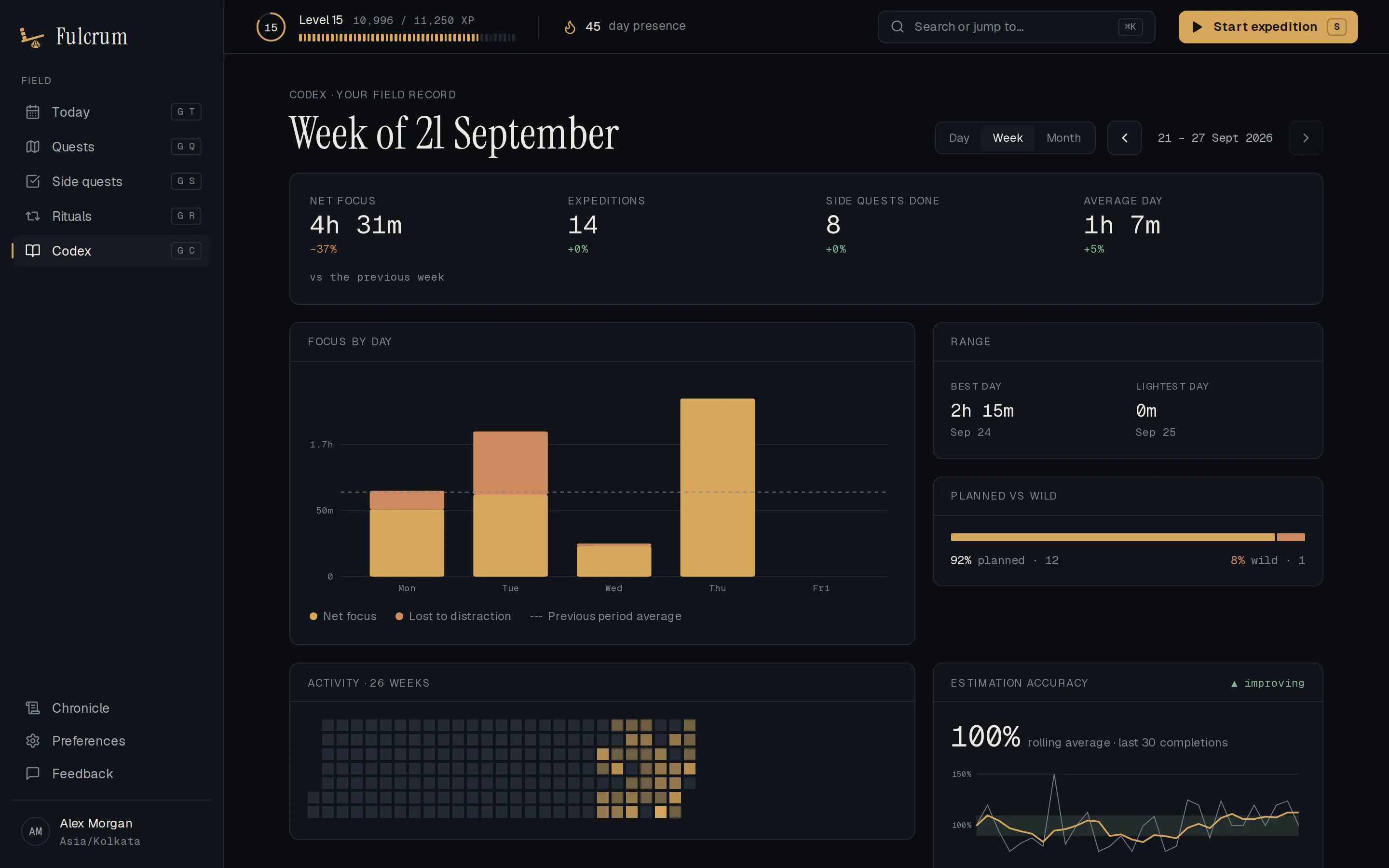
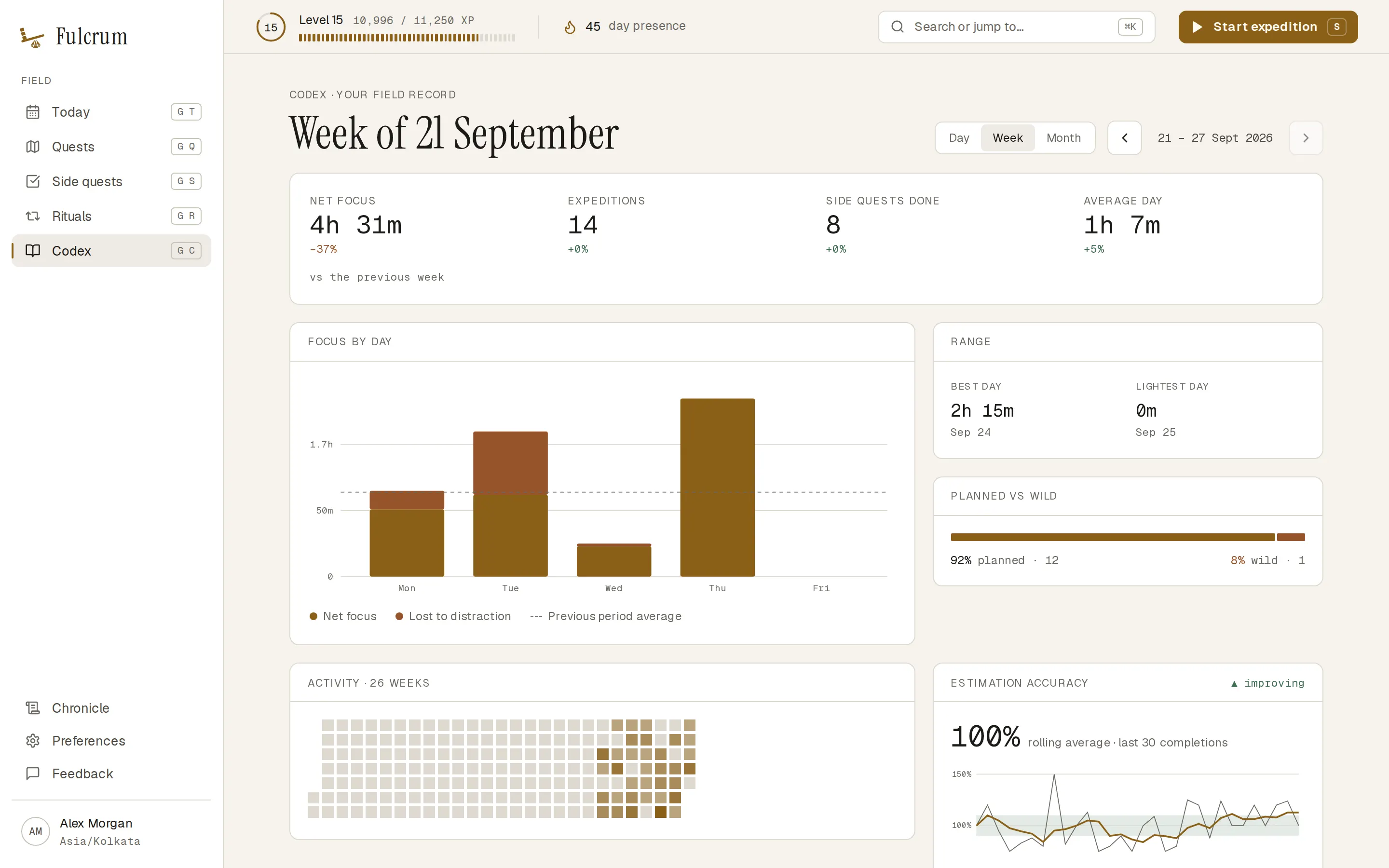
- Time worked — the headline number: timer time plus the time you said work took. The chart shows it per day. More detail adds your best, lightest and average days.
- Timer — net focus and deep work, with expeditions in a week and distractions in a day. It only appears when you used the timer.
- Estimation accuracy — how your estimates compared with the time you actually logged. The more you use it, the more realistic your plans get.
- Planned vs wild — how much of your time went to objectives you planned versus ones that came up.
- Wanderings — stretches of more than 30 minutes between tracked work. Timer sessions count as they ran. Objectives and timed rituals marked done without the timer count as their estimate, ending when you ticked them; check-off rituals take no time.
- Activity — a month calendar, shaded darker the more you worked that day. Hover a day for the time worked and what you finished; use the arrows to go back up to six months.
- Quests — every quest with its progress and pace. Search, filter by path and sort; open one for its details. It sits under More detail.
Sharing your week
Share my week (in the Week and Day views) makes a card of that week — time worked, rituals and objectives done, a bar per day, and your streaks — with a link you can send. On a phone, Share opens your apps; Save image keeps the picture.
- By default the card shows totals only. Switch on Show quest and ritual names to include your top quests and best ritual.
- It's a snapshot: what you do later doesn't change it.
- Anyone with the link can see it, but it never appears in search results. Delete it any time from the share window or Settings → Account and data → Shared cards, and the link stops working.
The Chronicle
The Chronicle is your XP history: every award, what earned it and when, grouped by day. It also shows your XP and level in each realm.
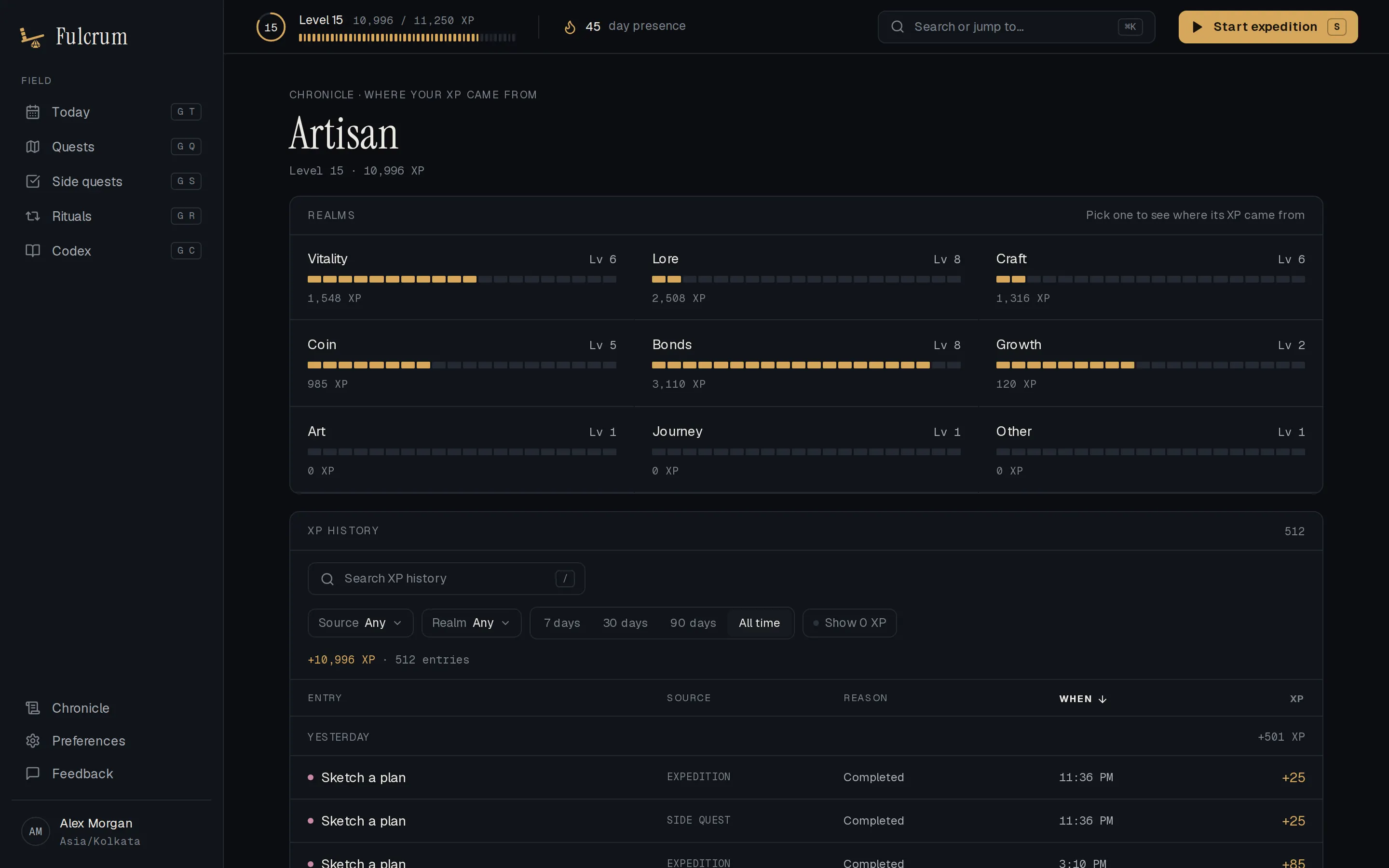
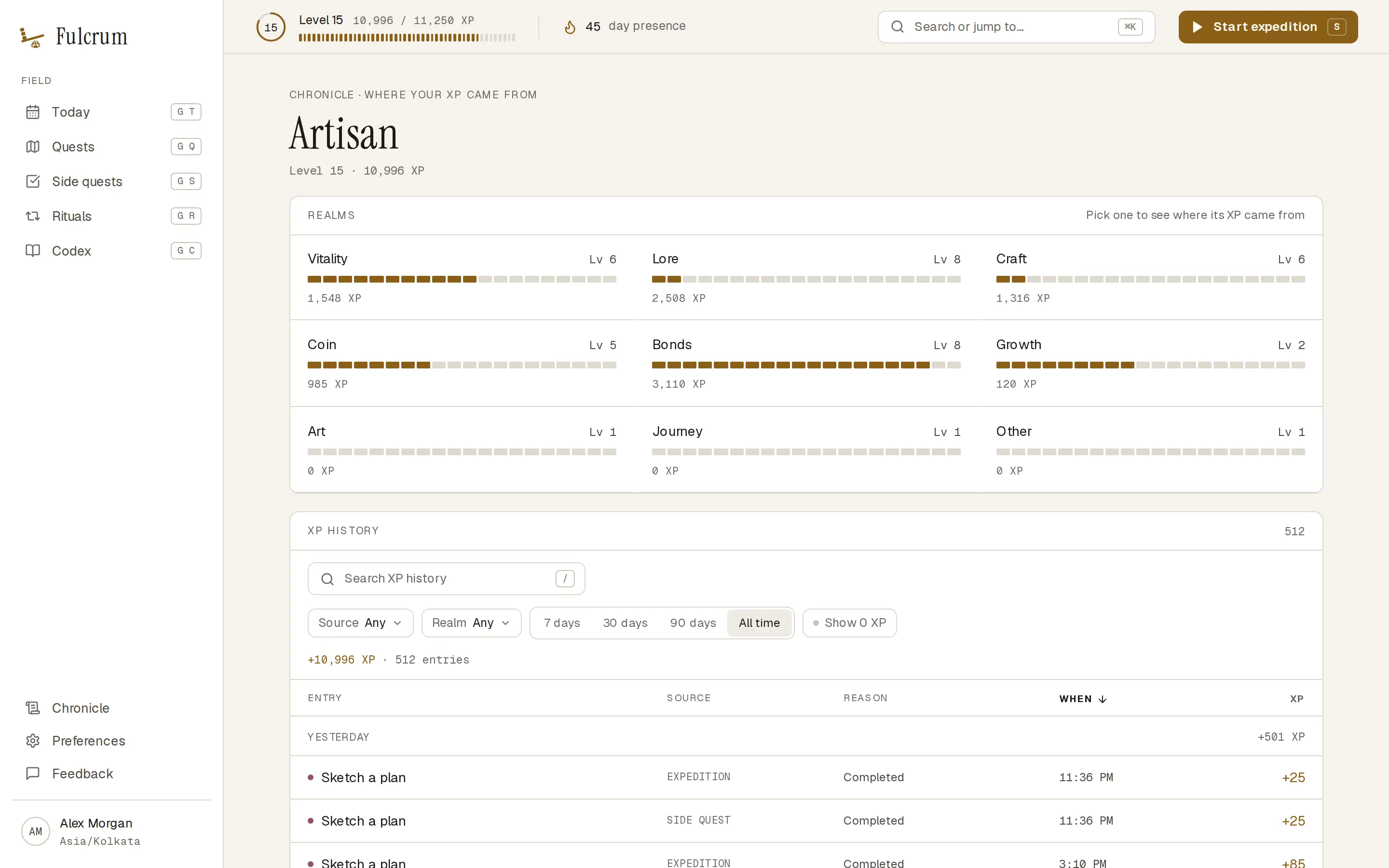
- Your XP in each realm is at the top. Open the full XP history to search by name and use Filter: source (objective, ritual, quest, expedition), realm and date range.
- Sort by date or by XP, and load 25 more entries at a time.
- Entries that paid 0 XP (for example, redoing something already paid for) are hidden unless you turn on Show 0 XP.
Filters are kept in the address bar, so a filtered view can be bookmarked or reloaded.