Your first 10 minutes
Set up a quest, a side quest and a ritual, then run your first expedition.
Fulcrum connects four things: quests (long-term goals), side quests (the tasks you do today), rituals (repeating habits) and expeditions (focus sessions). Everything you finish earns XP. This page gets one of each set up; the rest of the guide explains them in depth.
1. Create a quest
Open Quests, click New quest and add a goal you're working toward over weeks or months — “Run a half marathon”, “Ship the portfolio site”. Pick the realm it belongs to, such as Vitality or Craft. You can break it into smaller quests later. More on quests.
2. Add a side quest
Press N anywhere (or click New side quest) and add something you'll do today: “Plan week 1 of training”, with an estimate of how long it will take. Attach it to your quest so the quest shows progress. More on side quests.
3. Add a ritual
Open Rituals, click New ritual and add one small habit: a timed one like “Stretch, 10 minutes” or a simple check-off like “Take vitamins”. Give it a cue — a time and a place — so it has a trigger. More on rituals.
4. Run an expedition
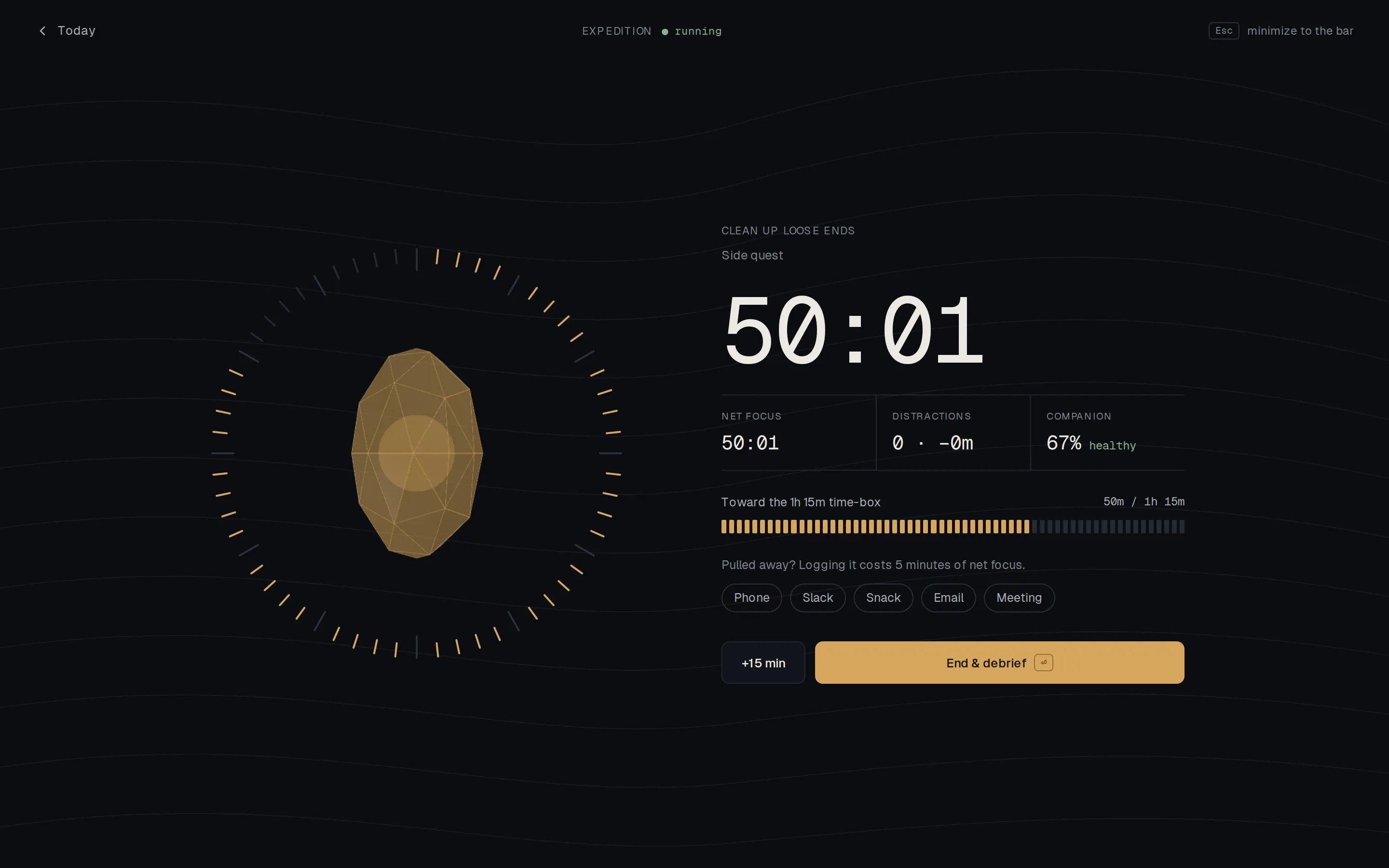
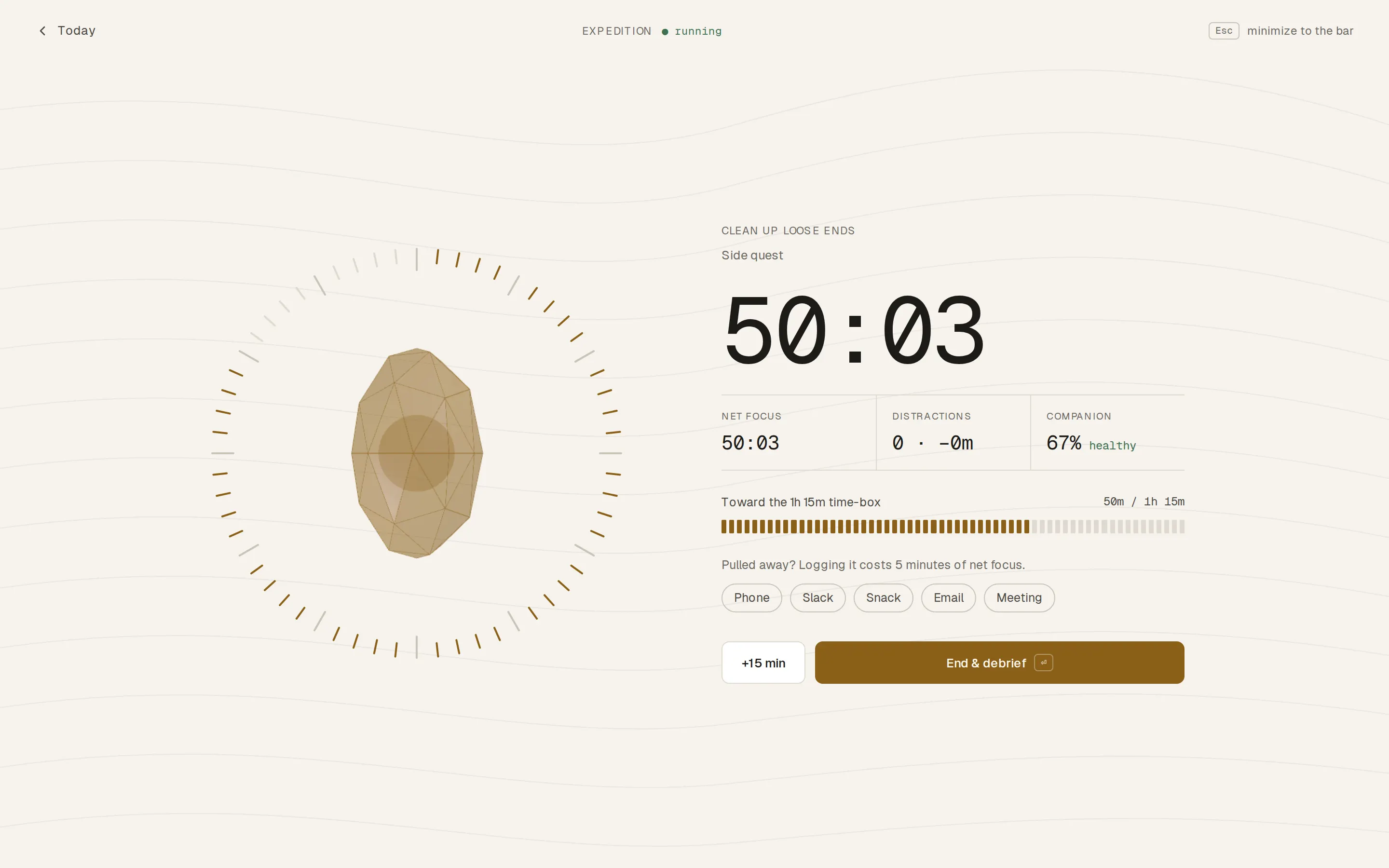
Press S and choose your side quest. The timer starts, and your companion crystal begins to grow. If something pulls you away, log it — honestly. When you're done, end the session to see your debrief and the XP you earned. More on expeditions.
5. Check Today
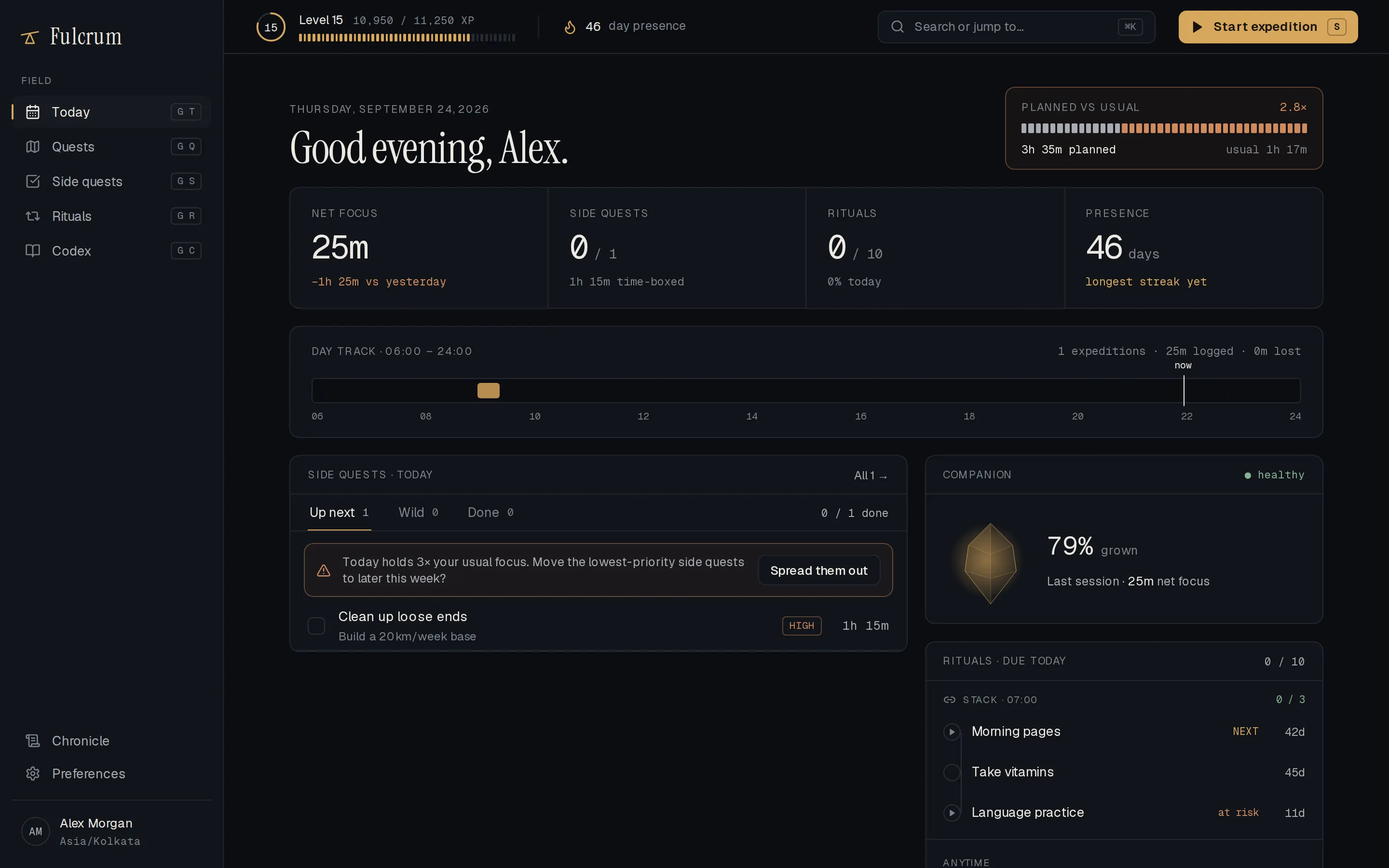
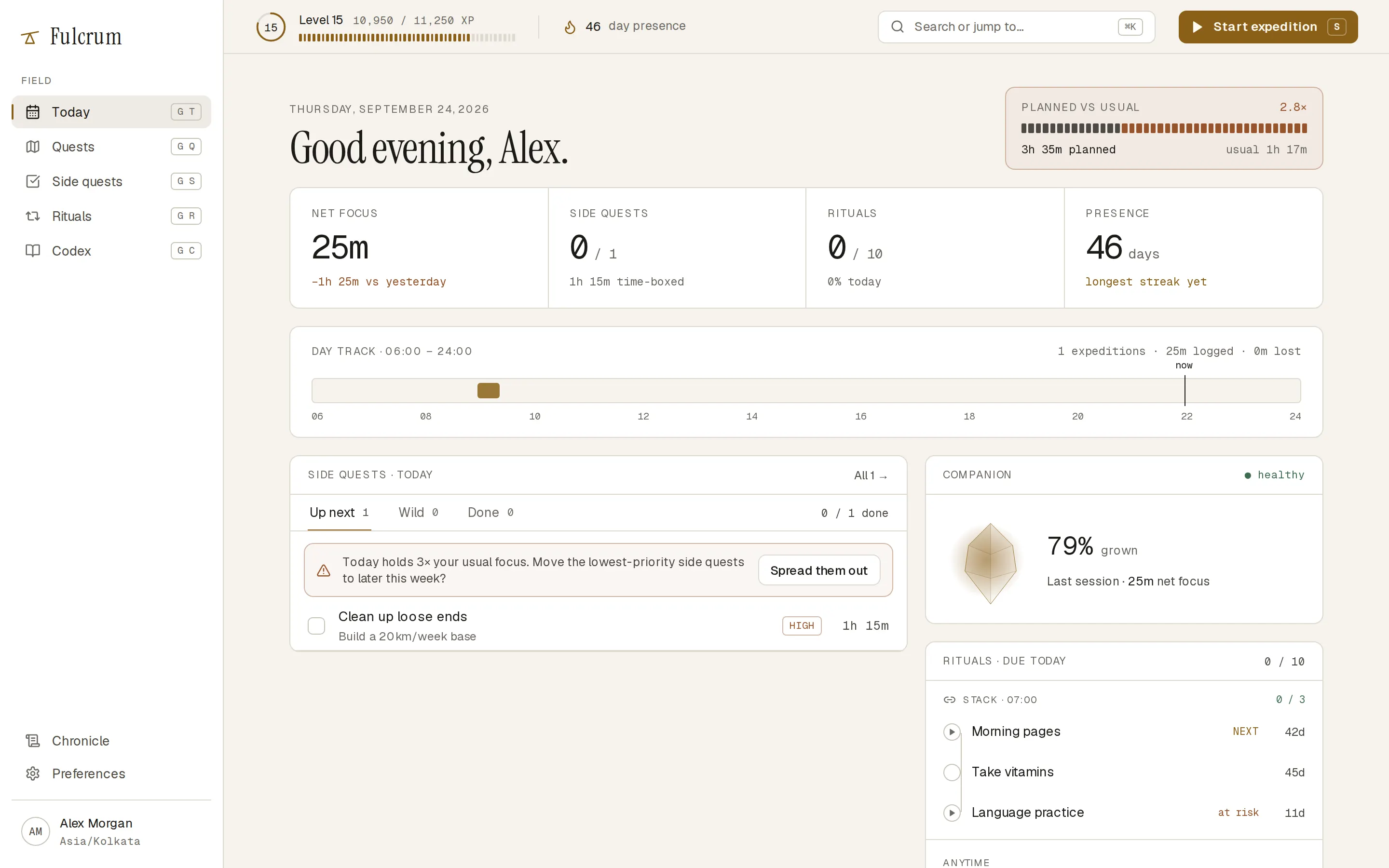
Today (press G then T) pulls it together: today's side quests, the rituals due, your focus time and your level. Come back to it each morning.
What next
- Learn exactly how XP is calculated in XP and levels.
- See how accurate your estimates are in the Codex.
- Speed things up with keyboard shortcuts.